B-roll that knows what you're saying.
Writing the script takes an hour. Finding the visuals takes five. Drop in your voiceover or subtitles and get a full-length motion-graphics track — generated to match every second you speak, ready to drop onto your timeline.
A real render, start to finish — 28 seconds, no edit, no speed-up.
Stock footage doesn't know what you're saying.
You spend the edit hunting for clips that vaguely match a sentence — or paying for AI video that doesn't either. There's a better default for finance and tech content.
Stock & AI video clips
- ✕ Generic loops that don't reference your point
- ✕ 4-second clips you stitch and time by hand
- ✕ No way to show text, numbers or data
- ✕ Expensive per second, unpredictable results
Ahacut
- ✓ Visuals authored for each line you speak
- ✓ Full-length track, cut to your subtitle timings
- ✓ Built to render text, numbers, logos and ideas
- ✓ ~1/50th the cost — pay only for what renders
From subtitles to synced b-roll in three steps.
No timeline scrubbing, no keyframes. Your captions do the timing for you.
Drop your voiceover or subtitles
Upload a voiceover (.mp3) or an .srt — or paste a script. We transcribe audio for you, and your timings become the cut list. No manual keyframing.
We author & render
An LLM turns each line into motion-graphics — text, numbers, charts, logos, ideas — then renders it to video in the cloud.
Preview & download
Watch the synced result, then download the track — full-screen b-roll or a transparent overlay that keeps you on camera — and drop it straight onto your CapCut, Premiere or Final Cut timeline.
A b-roll engine, not a clip bin.
Purpose-built for the videos where text, data and motion beat stock footage.
Synced by construction
Your transcript is the edit timeline — every graphic is generated for a specific spoken line and lands on its timecode. No nudging clips to fit a voiceover.
Built for finance & tech
Charts, numbers, tickers, code and comparisons — the stuff stock libraries and AI video never get right.
Motion graphics, not stock
Kinetic typography and animated graphics composed per line, not a generic loop reused everywhere.
Writes in your language
On-screen text follows your script — Hindi, Arabic, Indonesian, Portuguese, Chinese, Japanese and more. Not translated into English first.
Cloud render, zero setup
No ffmpeg, no Chromium, no GPU. Sign in, upload, and get a file back — on any machine.
Pay as you go
Credits fuel your renders — a fraction of AI-video cost, with the timeline already aligned. You're only charged for renders that succeed.
Real renders, not mockups.
Two things on this page came straight out of the engine: the track for this page's own script, and the scenes below it.
The script for this page, rendered by Ahacut.
Left is the subtitle file we fed it. Right is what came back. Play it, or click any line to jump to its scene.
.srtSame file, nothing hand-timed: this page's own voiceover script went in, this track came out — 26 seconds of 1080p motion graphics, 0.5 MB.
Every kind of shot, from one render.
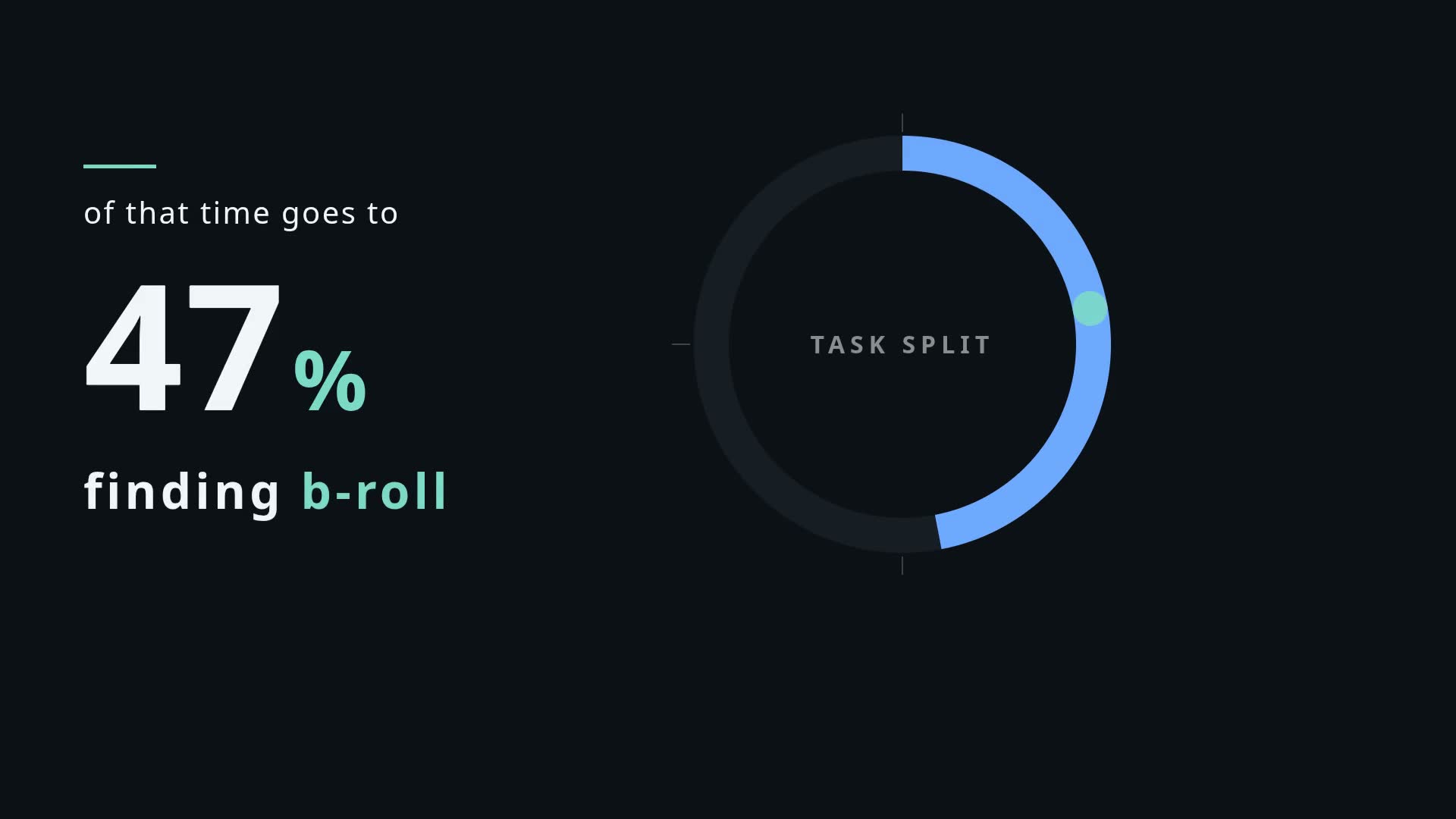
Charts, big numbers, comparisons, generated backdrops — two scripts of ours went in, these came back. No touch-ups, no hand-timing. Tap one to play it.
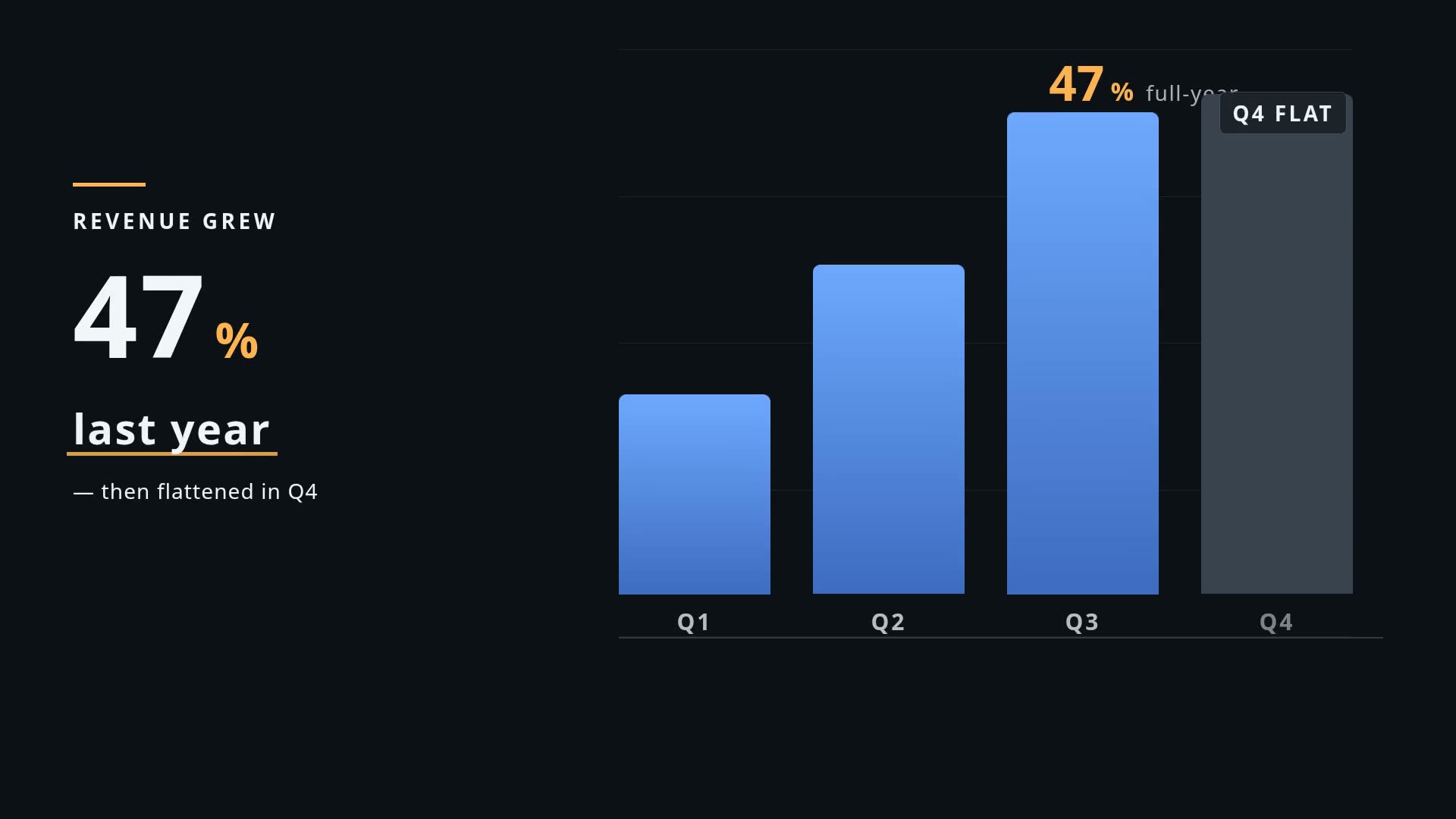

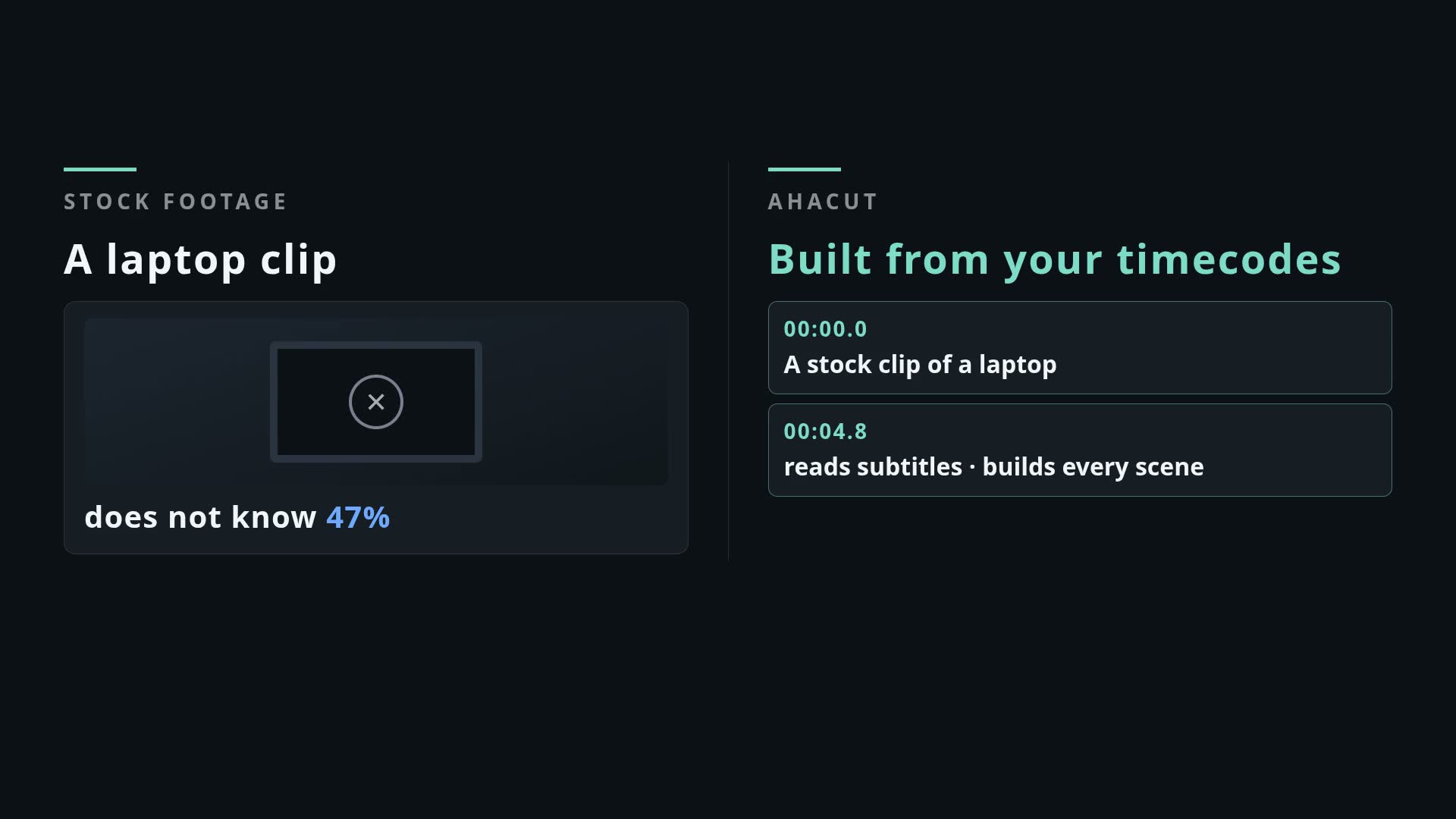
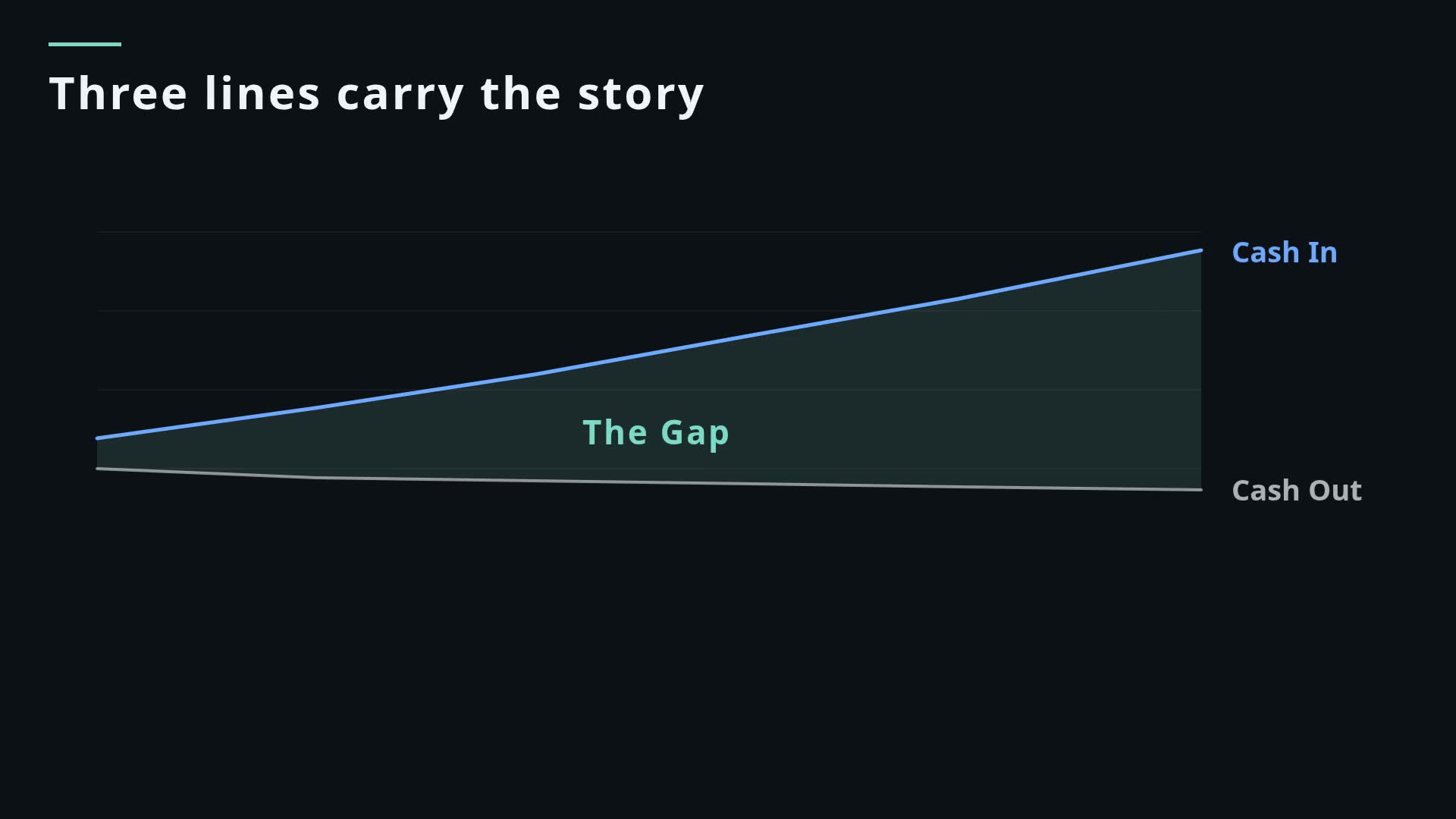
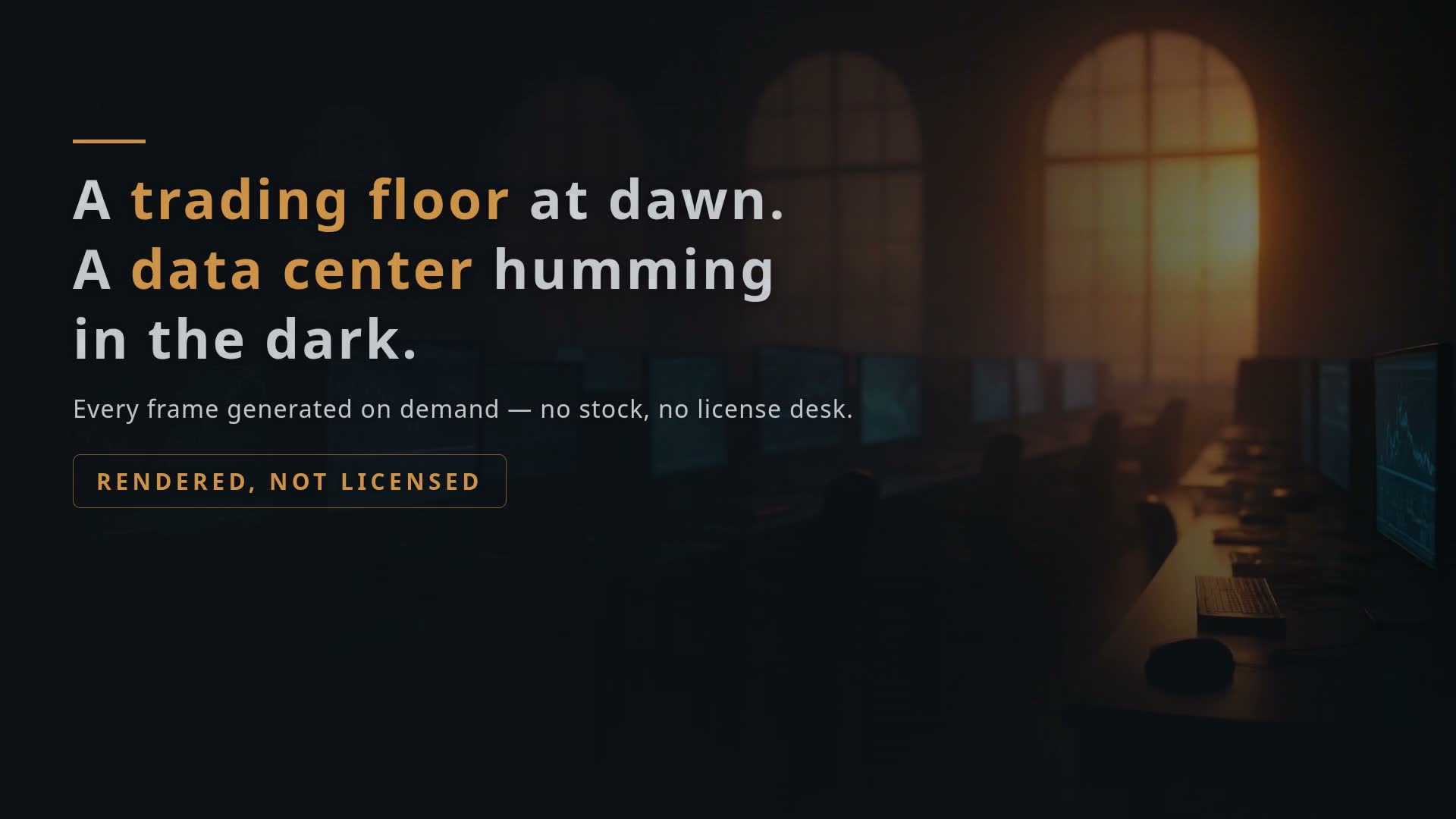
You stay on camera. The info floats on top.
The second output mode: instead of full-screen b-roll, get a transparent motion-graphics layer that sits over your talking-head footage — key numbers, terms and lower-thirds appear as you say them, and you never leave the frame.
- ✓True alpha, no keying. A ProRes 4444 .mov with a real alpha channel — no green screen, no chroma key, no blend-mode tricks.
- ✓Drops onto any timeline. Put it on the track above your footage in CapCut, JianYing, Premiere, Final Cut or Resolve. Done.
- ✓Timed to every line. Each element appears exactly when you say it — generated from your subtitles, not eyeballed.
- ✓Composed around you. Graphics keep out of your face and your caption area, and text carries its own backing so it reads on any footage.
…or just tell your AI agent.
More and more people drive their work through an AI agent. If you live in Claude, Cursor or any agent, add Ahacut once and ask in plain English — it does the upload, the render and the download. No timeline, no app to learn.
Claude, Cursor & friends
Add Ahacut once, then ask in plain English — your agent runs the render and hands back the file.
Just say what you want
“Make b-roll for this script.” Your agent handles the upload, the render and the download for you.
Or wire up the API
For builders: issue a key and POST an SRT, script or voiceover to /open/jobs. JSON in, signed video URL out.
Pay for what renders, nothing else.
Monthly plans from $9. Your plan's credits refresh every month, failed renders are refunded automatically, and you'll see the exact estimate before each render — a fraction of what generative AI video costs.
- ✓ No credit card required
- ✓ Generate a short clip free
- ✓ See the real output quality
- ✓ No watermark, length-capped
- ✓ Full-length renders
- ✓ All motion-graphics styles
- ✓ Commercial use
- ✓ Everything in Mini
- ✓ Better value per credit
- ✓ Commercial use
- ✓ Everything in Starter
- ✓ Priority render queue
- ✓ Commercial use
- ✓ Everything in Pro
- ✓ Lowest cost per credit
- ✓ Commercial use
Prices in USD, billed monthly — cancel anytime. Plan credits are issued each billing period and don't roll over; you'll see the credit estimate in the app before each render. Need an invoice or volume pricing? Talk to us →
What exactly is b-roll, and what do I get?
Do I have to install anything?
How does pricing work?
Is there a free trial?
What can I feed it — audio, subtitles, scripts?
Can it turn a transcript or SRT file into animated motion graphics automatically?
I have a talking head video. How do I add b-roll without stock footage?
Can I use the output commercially?
What happens to my scripts and subtitles?
What is overlay mode?
How is this different from AI video generators?
Stop hunting for clips. Generate the b-roll.
Upload your voiceover or subtitles and watch a synced track render. Free trial credits, no card.